
Not sure which Fitbit model you own? You’re not alone. With over 20 different Fitbit devices released over the years — from the slim Inspire to the feature-packed Sense 2 — it can be surprisingly difficult to tell them apart, especially if you no longer have the original box.
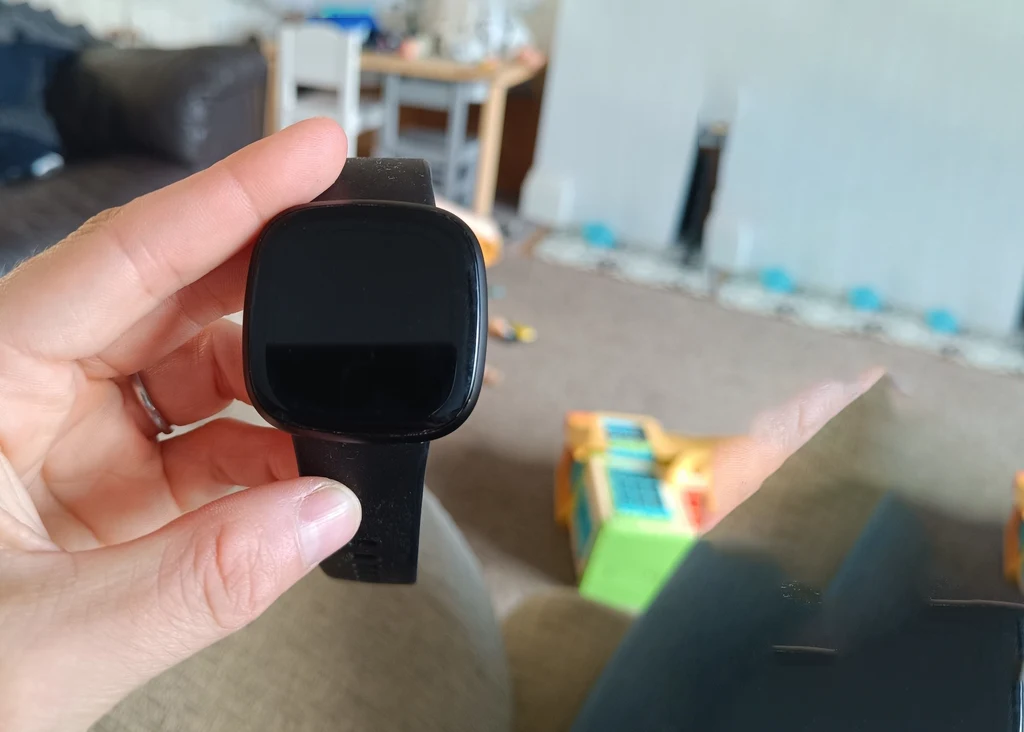
Knowing your exact Fitbit model matters more than you might think. It affects which replacement bands you can buy, which chargers are compatible, what software updates are available, and how Fitbit’s support team can help you.
In this guide, we’ll walk you through four reliable methods to identify your Fitbit, plus a complete model number reference list.
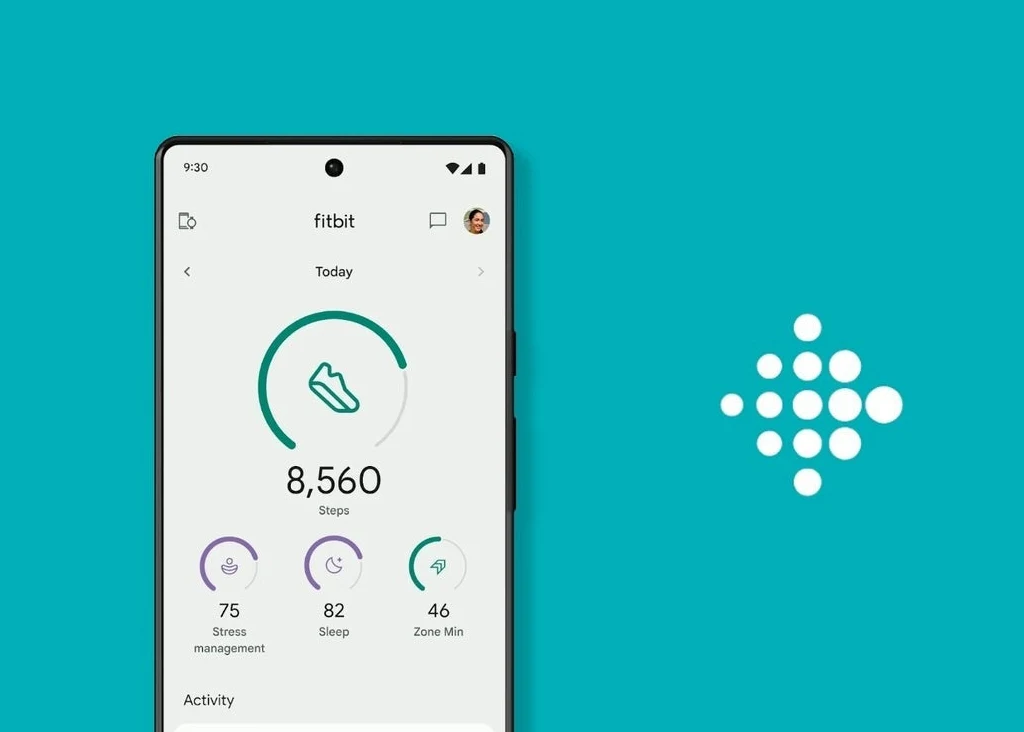
Method 1: Check the Fitbit App (Easiest Way)
If your Fitbit is already paired to your smartphone, identifying it takes less than 30 seconds.
- Open the Fitbit app on your iPhone or Android phone.
- Tap your profile picture or account icon in the top-left corner.
- Your device name will appear directly below your name on the account screen.
- Tap on the device image for full details including the model name.
This is the fastest and most reliable method. The app displays the exact device name — such as “Fitbit Charge 6” or “Fitbit Versa 4” — without any guesswork.
If you want even more detail, go to Settings > About > Regulatory Info on the Fitbit itself to see the full model number.
Tip: If you have more than one Fitbit paired to your account, each device will be listed separately under your profile.
Method 2: Find the Model Number on the Device
Every Fitbit has a unique model number etched or printed on the back of the device. This small alphanumeric code (like FB521 or FB424) directly identifies which model you have.
Where to look:
- Flip your Fitbit over and examine the back panel near the sensor cluster.
- The model number is printed in very small text — you may need good lighting or a magnifying glass.
- Note: On heavily used devices, this text can wear off over time.
Once you find the model number, match it against the reference list below. If the number has faded, move on to the next method.
Method 3: Identify Your Fitbit by Its Appearance
Even without a model number, you can narrow down your Fitbit by its physical design. Here’s what to look for:
Display Shape
- Square/rectangular display → Likely a Versa, Sense, or Ionic series.
- Long, narrow rectangular display → Likely a Charge, Inspire, Alta, or Luxe series.
- No visible screen (just LED dots) → Fitbit Flex or Flex 2.
Button Placement
- Physical raised button on the left side → Versa 4, Charge 5/6, Inspire 3.
- Capacitive groove (not a physical button) → Versa 3.
- Two side buttons → Older Blaze or Ionic models.
Size & Build
- Slim, jewelry-like band → Fitbit Luxe.
- Thick, sport-focused band → Fitbit Charge series.
- Chunky square smartwatch → Versa or Sense series.
- Small oval tracker in a molded silicone case → Fitbit Ace (kids’ model).
Heart Rate Sensor
- Look at the underside — if there are green LED dots, your model includes heart rate monitoring. Older entry-level models (Inspire 1, Flex) may not have this.
Method 4: Check the Fitbit Website or Contact Support
If none of the above methods have worked:
- Visit the Fitbit Help Center at fitbit.com/global/us/home and navigate to Support > Identify Your Device.
- Enter your model number or describe your device to find a match.
- If you still can’t identify it, contact Fitbit Customer Support via live chat or phone — they can identify your device based on your account purchase history and physical description.
Complete Fitbit Model Number Reference List
Use this table to quickly match your model number to your device.
Versa & Sense Series (Smartwatches)
| Model | Model Number |
|---|---|
| Fitbit Sense 2 | FB521 |
| Fitbit Sense | FB512 |
| Fitbit Versa 4 | FB523 |
| Fitbit Versa 3 | FB511 |
| Fitbit Versa 2 | FB507 |
| Fitbit Versa Lite | FB415 |
| Fitbit Versa | FB504 |
| Fitbit Blaze | FB502 |
| Fitbit Ionic | FB503 |
Charge Series (Fitness Trackers)
| Model | Model Number |
|---|---|
| Fitbit Charge 6 | GA05183 |
| Fitbit Charge 5 | FB421 |
| Fitbit Charge 4 | FB417 |
| Fitbit Charge 3 | FB409 |
| Fitbit Charge 2 / HR | FB407 |
| Fitbit Charge HR | FB405 |
| Fitbit Charge | FB404 |
Inspire Series (Budget Trackers)
| Model | Model Number |
|---|---|
| Fitbit Inspire 3 | FB424 |
| Fitbit Inspire 2 | FB418 |
| Fitbit Inspire HR | FB413 |
| Fitbit Inspire | FB412 |
Other Models
| Model | Model Number |
|---|---|
| Fitbit Luxe | FB422 |
| Fitbit Alta HR | FB408 |
| Fitbit Alta | FB406 |
| Fitbit Ace 3 | FB419 |
| Fitbit Ace 2 | FB414 |
| Fitbit Flex 2 | FB403 |
| Fitbit Flex | FB401 |
| Fitbit Surge | FB501 |
How to Tell Similar Fitbit Models Apart
Some models look nearly identical. Here’s a quick cheat sheet:
Versa 3 vs. Versa 4
The easiest difference is the side button. The Versa 4 has a physical raised button, while the Versa 3 has a capacitive groove that acts as a button but isn’t raised. Both share the same rounded square design.
Sense vs. Versa 4
These two models are nearly identical in appearance. The key difference is that the Sense 2 includes an EDA (electrodermal activity) sensor for stress monitoring and an ECG app — the Versa 4 does not.
Charge 5 vs. Charge 6
Both look the same from the outside. The Charge 6 includes a physical side button (the Charge 5 removed buttons entirely) and adds Google Maps and Google Wallet integration.
Inspire 2 vs. Inspire 3
The Inspire 3 has a more rounded face and a color AMOLED display compared to the monochrome screen of the Inspire 2.
Alta vs. Alta HR
These models look identical — the only visual difference is that the Alta HR shows a heart rate readout on the screen.
Why It’s Important to Know Your Fitbit Model
There are several real-world reasons why knowing your specific Fitbit model is essential:
- Replacement bands: Each Fitbit series uses different connector pins and band widths. A Charge 5 band will not fit a Versa 4, for example.
- Chargers: Different models use different proprietary chargers. Using the wrong one won’t work and may damage your device.
- Software updates: Fitbit rolls out One UI-style firmware updates per device. Some features (like Google Wallet integration) are exclusive to specific models.
- Warranty and support: Fitbit customer support needs your exact model to process a warranty claim or provide troubleshooting steps.
- Selling or trading: If you want to sell your Fitbit, buyers will expect you to list the exact model number.
Frequently Asked Questions
How do I tell which Fitbit I have without the box?
Use the Fitbit app — open it, tap your profile, and your device name is displayed below your account name. Alternatively, check the back of the device for a printed model number like FB521 or FB424.
Where is the model number on a Fitbit?
The model number is printed in small text on the back panel of the device, near the heart rate sensor. On some newer models like the Charge 6, the number begins with “GA” instead of “FB.”
Can I identify my Fitbit without the app?
Yes. Turn the device over and look for the model number on the back. You can also compare your device’s physical design — display shape, button placement, and build material — against the model list above.
What is the difference between Fitbit Versa and Fitbit Sense?
The Sense series includes advanced health sensors like ECG and EDA for stress tracking, which the Versa does not. Both share a very similar square design and run the same Fitbit OS.
How do I find my Fitbit model in the settings menu?
On your Fitbit device, go to Settings > About > [Device Name] > Regulatory Info, then scroll down to find your model number listed there.
Is the Fitbit Ionic still supported?
No — Fitbit issued a voluntary recall of the Ionic in 2022 due to overheating concerns. It is no longer sold or officially supported.
Final Thoughts
Identifying your Fitbit doesn’t have to be complicated. Start with the Fitbit app—it’s the quickest and most accurate method. If that’s not an option, combine visual design, model numbers, and charger type to narrow it down.
If you’re still unsure, you can describe your Fitbit (shape, screen, buttons), and I’ll help you pinpoint the exact model.
2 thoughts on “How to Tell Which Fitbit You Have (All Models)”