
Connecting your hardware and facing an ACER external monitor no signal error is frustrating. You want a smooth transition to a dual-screen setup. But, you get a blank display instead. This common problem often stops you in your tracks during work.
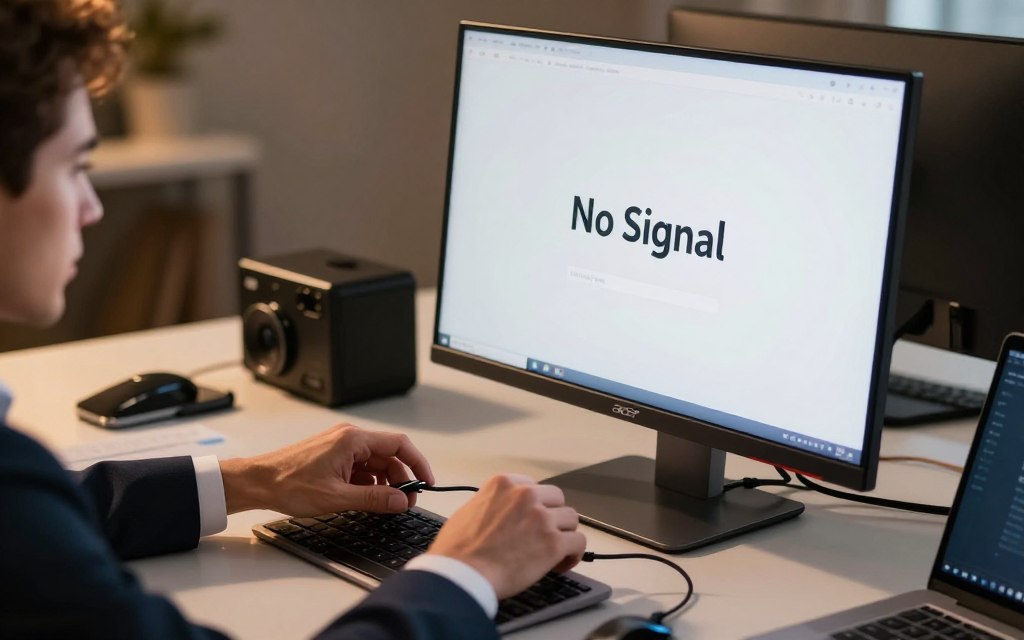
Most connectivity issues come from a failed digital handshake between your laptop and the display. When they can’t talk, the video output doesn’t work. Knowing why this happens is key to fixing it.
Fortunately, you can fix these problems with a few steps. Whether it’s a loose cable or a driver conflict, we’ve got you covered. This guide will show you how to fix acer monitor no signal issues. By following our steps, you’ll get your workspace back and be productive again. If you see an acer external monitor no signal message, don’t worry. Most of these issues are easy to fix with the right steps.
Initial Hardware Checks for ACER External Monitor No Signal
If your screen stays dark, the problem might be with how things are set up. Before you mess with software, check if your hardware is connected right and getting power. This way, you can quickly find out if it’s a simple mechanical issue.
Verifying Power and Cable Integrity
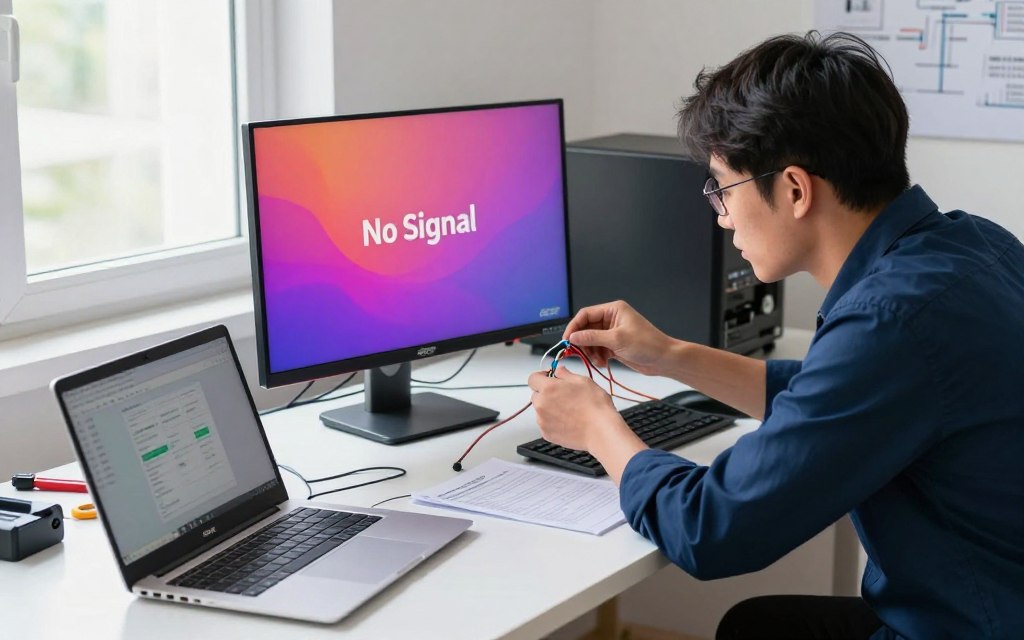
First, check the power cable to your monitor. Make sure it’s fully plugged into both the wall and the monitor. If the power light is off, the monitor isn’t getting power.
Then, look at your video cables for any damage. A broken HDMI or DisplayPort cable can cause the “no signal” error. Try wiggling the cable at both ends to see if it’s loose or if the screen flickers.
Testing Alternative Video Cables
If power checks out, try a different cable next. Sometimes, a cable looks fine but has hidden damage. Use a cable you know works with another device.
Also, try plugging the cable into a different port on your laptop or monitor. If a port is faulty or dusty, you’ll see the “no signal” message. By testing different cables and ports, you can find out if the problem is with the hardware.
Troubleshooting Laptop Display Settings and Drivers
If your hardware is connected right, the problem might be in your laptop’s display settings or driver software. Software conflicts often cause an acer external monitor no signal error on Windows devices. Adjusting these settings can usually fix the issue without needing professional help.
Configuring Windows Project Settings
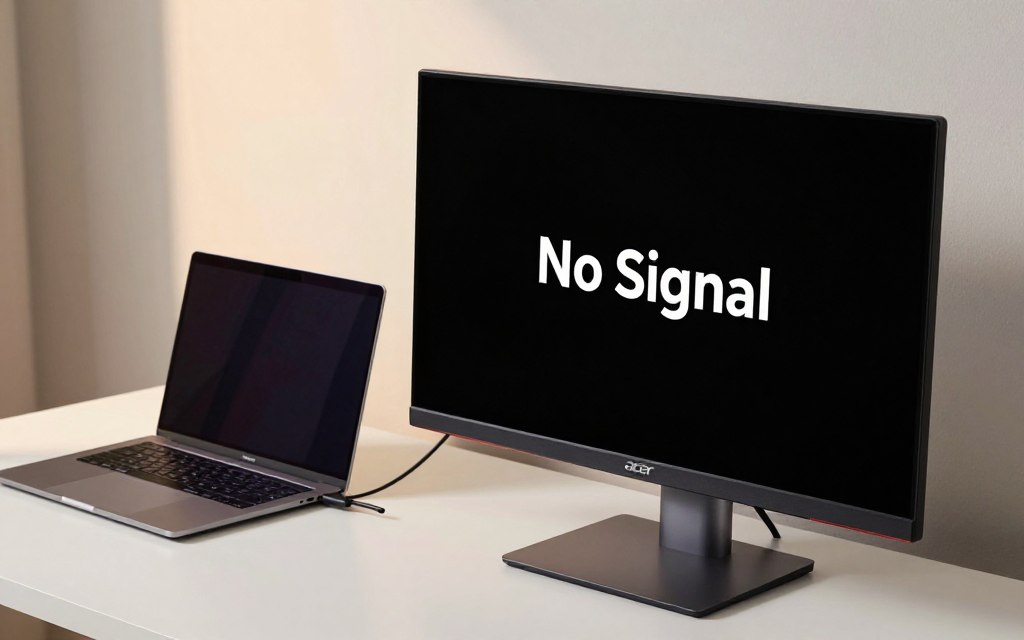
Windows has a built-in menu for managing secondary screens. If it’s set to “PC screen only,” your laptop won’t show on the external display. This leads to an acer monitor no signal problem.
To solve this, press the Windows key plus the “P” key at the same time. A menu will pop up on the right side of your screen. Choose “Extend” or “Duplicate” to send a signal to the monitor.
Updating Graphics Card Drivers
Outdated or corrupted graphics drivers often cause an acer display no signal issue. These drivers connect your operating system to your hardware. Keeping them updated ensures your laptop and monitor work well together.
Checking Device Manager for Driver Errors
To check your display adapter’s status, open the Device Manager. Right-click the Start button and choose “Device Manager” from the list. Look in the “Display adapters” section for any yellow warning icons next to your graphics card.
If you find an error, right-click the device and pick “Update driver.” This simple action can often fix acer monitor no signal problems caused by minor software issues.
Downloading Drivers from the Official Acer Support Site
Windows Update might not always have the best driver for your hardware. If the problem continues, go to the official Acer support website for the latest software for your model.
Enter your serial number or model name to find the right display drivers. Installing these from the manufacturer is the best way to solve an acer monitor not detecting signal error. After installation, restart your laptop to apply the changes.
Advanced Connection and Port Diagnostics
When basic checks don’t work, you might need to try more technical steps. These advanced methods help solve acer monitor no signal problems that don’t go away after you’ve tried the basics.
Testing Different Input Sources on the Monitor
Your monitor might be set to the wrong input channel, which is a common cause for an acer monitor no signal issue. Use the physical buttons on your monitor to open the On-Screen Display (OSD) menu.
Navigate to the input or source selection settings. Manually cycle through options like HDMI, DisplayPort, or VGA to match the port currently in use on your laptop.
Resolving Resolution and Refresh Rate Mismatches
Sometimes, your laptop sends a signal that the monitor cannot process correctly. This often happens if the resolution or refresh rate is set higher than the monitor supports, making it difficult to troubleshoot external monitor no signal problems.
Try connecting your laptop to a different display to lower the output settings. Once you have reduced the resolution and refresh rate, reconnect the monitor to see if the image appears.
Performing a Hard Reset on the Monitor
Internal cache errors can occasionally trigger an persistent acer monitor no signal problem. A hard reset is a simple way to clear these temporary glitches and restore factory communication.
To perform this, unplug the power cable from the back of the monitor while it is still turned on. Hold the power button down for thirty seconds to drain any remaining electricity, then plug the power cable back in and restart the device.
Conclusion
Fixing connectivity issues between your laptop and external screen needs a careful plan. You now know how to find and fix problems with hardware and software.
Keeping your display drivers and cables in good shape helps avoid future problems. If you still can’t get your Acer monitor to work, try it with another laptop or gaming console. This can tell you if the monitor needs fixing or replacing.
Your work area’s success depends on good visual output. By following these steps, you can make sure your gear works its best. Share your success with others to help them solve their display issues too.
4 thoughts on “How to Fix ACER External Monitor No Signal When Connected to Laptop”