
Imagine you’re in the middle of a game, ready for a long night of fun. But then, your character starts moving by itself. Dealing with stick drift on your Xbox controller is incredibly frustrating, but in many cases, it can be fixed. This guide will help you to fix Xbox Series X Controller always drift.
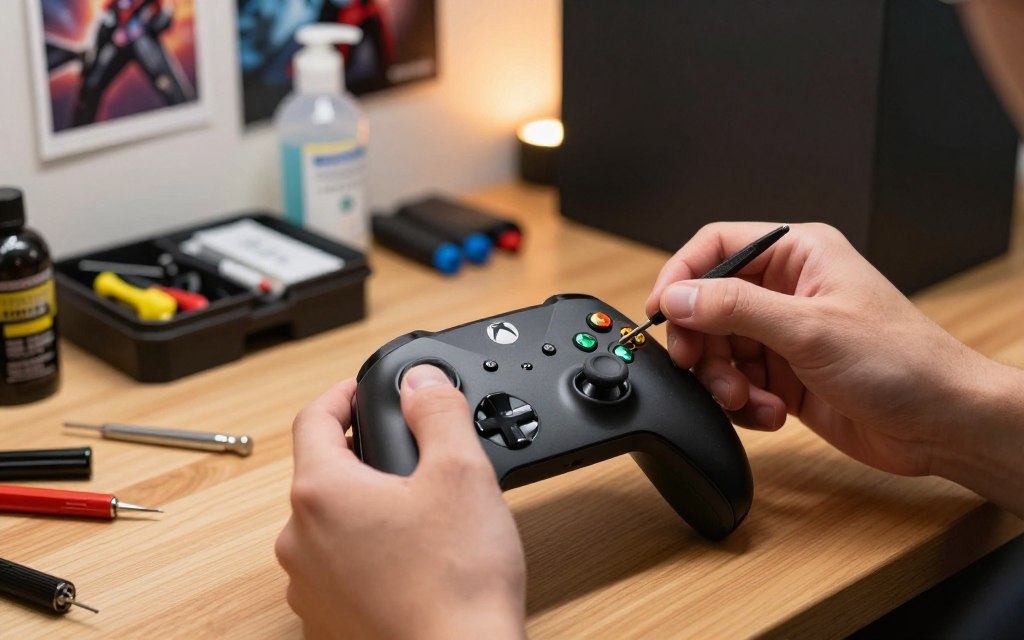
Don’t worry just yet. It’s not always a sign that you need a new controller. Sometimes, it’s just a small glitch that needs a quick fix. Other times, it might be a problem with the hardware that needs some hands-on work.
Knowing the difference can help you fix the issue fast. By taking the right steps, you can get back to playing smoothly. You should have a great gaming experience, and fixing your controller is easier than you think.
Step-by-step to Fix Xbox Series X Controller Always Drift
Stick drift on the Xbox Series X Controller is annoyingly common—but the good news is you can often fix it without replacing the controller. Here’s a practical, step-by-step approach starting from the easiest fixes to more advanced ones.
Diagnostic Steps and Software Calibration
Many players think their controller is broken when a simple update can fix it. Before trying any physical fixes, do a thorough Xbox controller troubleshooting. This way, you avoid wasting time and prevent unnecessary damage.
Identifying the Severity of Stick Drift
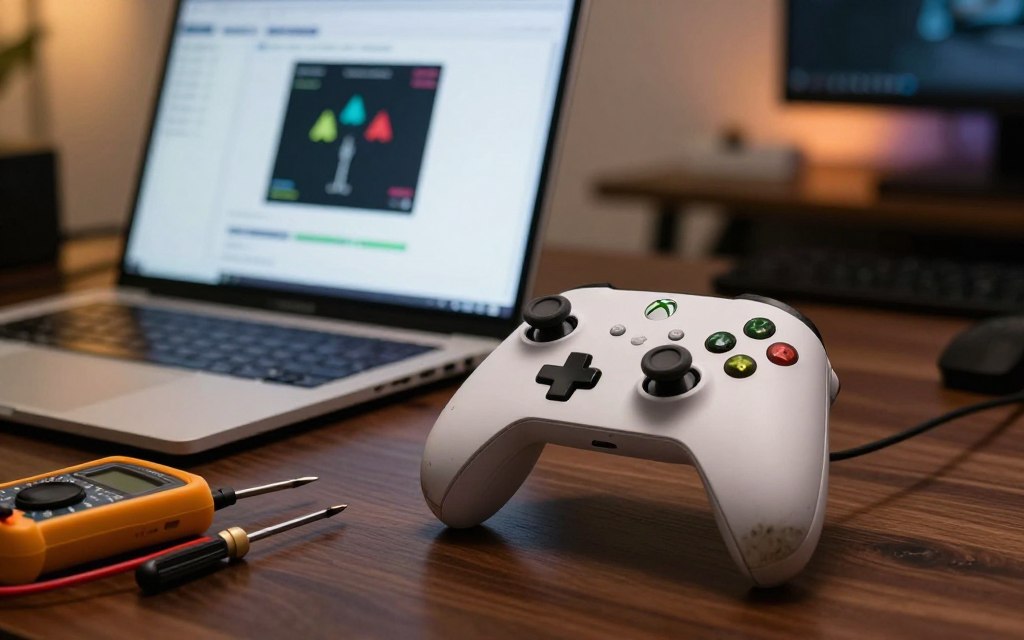
To find a good Xbox controller drift solution, first check if the problem is always there. Open a game with a sensitivity menu or a controller testing app. See if the character or camera moves on its own. Note if this happens in all games or just one.
Updating Controller Firmware via Xbox Accessories App
Old firmware can cause unresponsive or erratic analog sticks. You can often fix this by updating your device software. Open the Xbox Accessories app on your console, pick your controller, and look for updates from Microsoft.
Calibrating Dead Zones in Game Settings
If updating doesn’t solve the problem, try adjusting dead zones in game settings. A higher dead zone ignores small stick inputs. This simple change often fixes the drift and makes gameplay smooth again.
Practical Methods to Fix Xbox Series X Controller Drift
When software fixes don’t work, it’s time to clean the controller. Dust and oils from your skin can build up inside the stick housing. This buildup can cause the controller to move erratically. Cleaning these obstructions can often fix your controller.
Cleaning the Analog Stick Mechanism with Isopropyl Alcohol
Required Tools and Safety Precautions
First, get a bottle of 90% isopropyl alcohol, cotton swabs, and a small pry tool. Always take out the batteries to avoid short circuits. High-percentage alcohol dries fast and won’t harm your controller.
Step-by-Step Cleaning Process
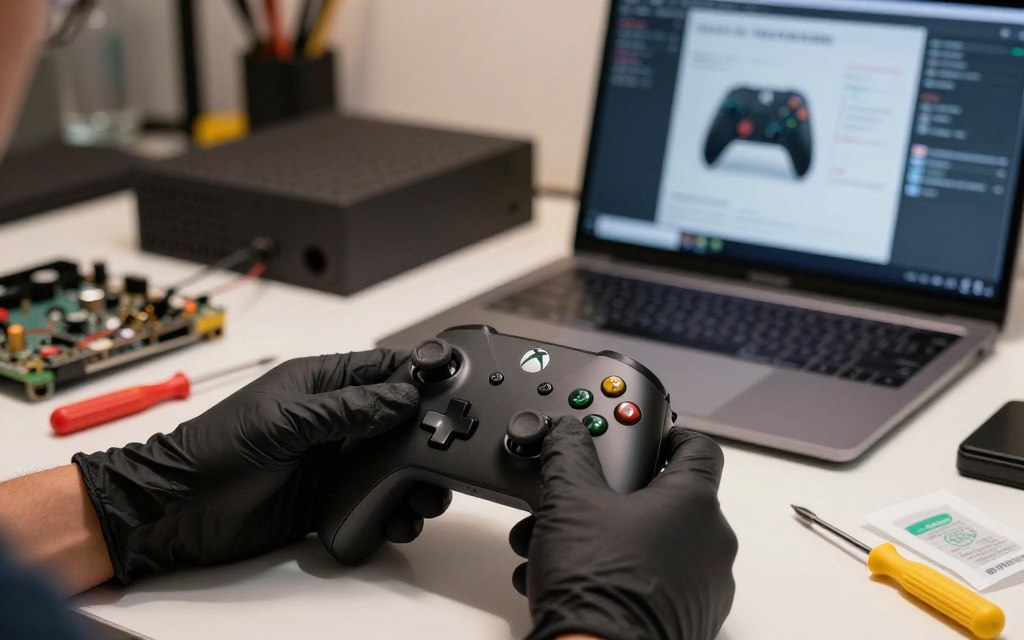
Move the analog stick to the side to reveal the mechanism base. Dampen a cotton swab with alcohol and wipe around the housing. This simple step can clear out grime that messes with the sensors.
Using Compressed Air to Remove Debris
If cleaning with alcohol doesn’t fix it, try compressed air. This method is great for those who don’t want to open their controller. Use short bursts of air to blow out dust from the stick base.
Advanced Hardware Repair Considerations
When to Consider Professional Repair Services
If cleaning doesn’t solve the problem, the potentiometer might be worn out. In this case, it’s best to get a pro to fix it. They have the right tools to avoid damaging your controller’s delicate parts.
Understanding Warranty Coverage and Replacement Options
Before you start any repairs, check your controller’s warranty on the Microsoft support website. Many controllers have a warranty that covers free repairs for defects. If your warranty is up, weigh the cost of repair against buying a new controller.
Conclusion
Learning how to fix your Xbox controller keeps it working well for a long time. You now know how to solve stick problems with easy software fixes or simple cleaning tools. This guide is your go-to for keeping your controller in top shape during long gaming sessions.
By taking care of your controller regularly, you avoid future problems with the analog sticks. Keeping up with maintenance saves you money and makes sure your gear is always ready. These steps will help you fix any drift issues that pop up in your games.
If you run into lag or unwanted movement again, come back to this guide. Being able to fix these issues means you’ll have a better gaming experience. Share these tips with others who face similar problems.
3 thoughts on “How to Fix Xbox Series X Controller Always Drift Easily”