
Nothing ruins a gaming session faster than sudden lag or stuttering during a competitive match. Many players face frustrating connectivity hurdles that disrupt their digital experience. The good news is that the issue is often fixable with some targeted troubleshooting. This article will help you to fix slow internet on your Xbox Series X.

Maintaining a stable connection is vital for any modern console owner. When your hardware struggles to communicate with servers, your performance suffers significantly. Fortunately, most network complications stem from simple configuration errors that you can easily address at home.
This professional guide provides the necessary steps to help you fix slow internet on Xbox Series X effectively. By following these systematic troubleshooting methods, you will restore your device to peak performance levels. Prepare to enjoy seamless gaming and rapid download speeds once again.
Essential Steps to Fix Slow Internet on Xbox Series X
Fixing slow internet on Xbox Series X often starts with the basics. These steps help avoid software glitches that can ruin your gaming. Begin with the fundamentals to ensure a smooth experience.
Perform a Power Cycle on Your Console and Router
Power cycling is key to fixing temporary errors. Start by turning off your Xbox and unplugging it for thirty seconds.
Do the same with your router and modem. This refreshes your network and helps your hardware reconnect to your internet service provider.
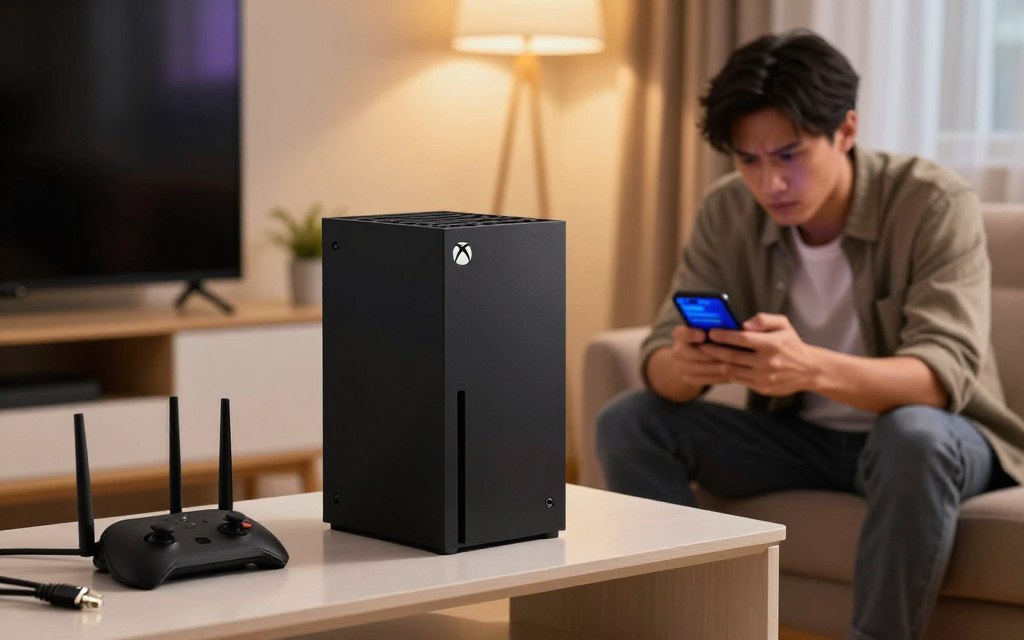
Verify Your Current Connection Statistics
Before making changes, check your network stats. Go to the network settings menu to run a detailed test.
This test shows your download and upload speeds, and packet loss. It helps you find if the problem is with your hardware or the signal.
Switch from Wi-Fi to a Wired Ethernet Connection
Wi-Fi signals can be weak due to interference. A wired connection is better for Xbox.
Connecting directly to the router via Ethernet cable reduces signal drops and latency. This makes your gaming and downloads more stable.
Clear the Alternate MAC Address Cache
Your console might keep old network settings that cause problems. Clearing the alternate MAC address resets your network adapter.
In your network settings, go to advanced settings and choose alternate MAC address. Select clear, then restart your console for a fresh connection.
Advanced Network Optimization Techniques
Want to get the most out of your console? Try advanced network settings. These settings are more than just basic fixes. They help you boost your Xbox internet speed.
By tweaking your hardware, you can make your gaming smoother and more responsive.
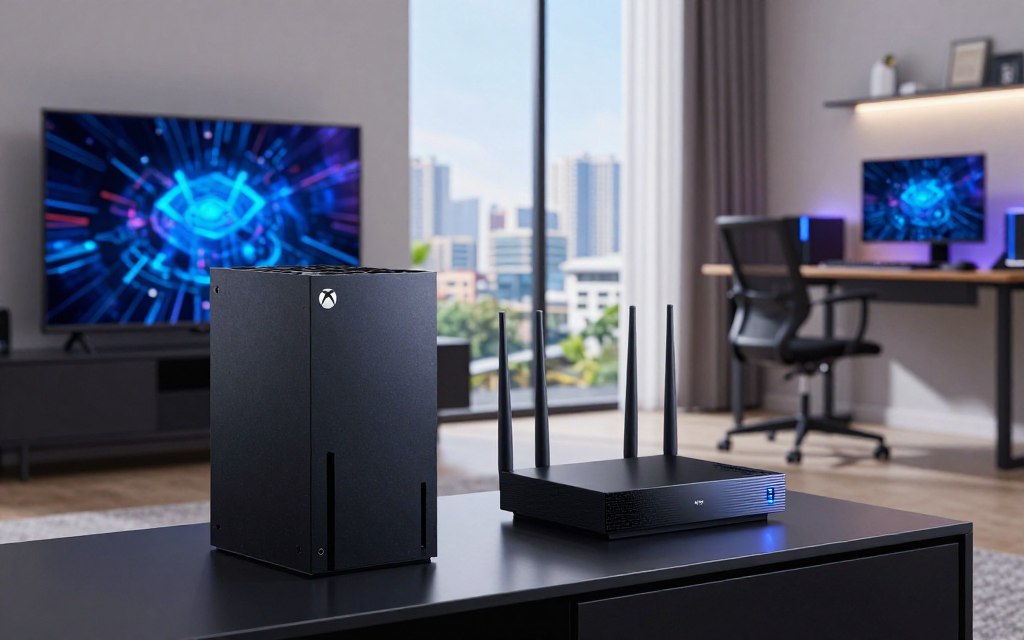
Adjust DNS Settings for Faster Resolution
The Domain Name System is like the internet’s phonebook. Switching to a faster DNS like Google or Cloudflare can speed up your Xbox. It cuts down the time your console spends finding game servers.
Enable Quality of Service Settings on Your Router
Quality of Service, or QoS, helps manage your network traffic. Turning on QoS lets you focus on gaming data. This means your console gets the bandwidth it needs for fast multiplayer games.
Manage Background Downloads and Active Applications
Keeping your digital space clean can fix slow WiFi on Xbox Series X. Background downloads or streaming apps can use a lot of bandwidth. Always close unused apps before gaming to keep your connection strong.
Update Your Router Firmware and Check for Interference
Old router software can slow down your connection. Keep your router’s software up to date to improve your Xbox’s internet. Also, make sure your router is away from other devices that might interfere with the signal.
Conclusion
A stable network is key for every gaming session. You can fix slow internet on Xbox Series X with some technical tweaks. These changes can make a big difference in your gaming experience.
Fixing slow internet before it happens is smart. It stops interruptions during games. Just tweaking your router settings can improve your connection a lot.
Check your network setup regularly. Making these adjustments keeps your Xbox running smoothly. It ensures you get the latest game updates and cloud features without issues.
Share your success with other gamers. Your tips can help those with slow internet issues. Keeping your Xbox up to date and secure means better gaming without interruptions.