
Connecting wireless headphones to the PS5 can feel like a mystery at first, but once you know the right steps, it’s surprisingly simple. Whether you own a premium Bluetooth headset, a gaming-specific wireless headset, or a budget-friendly pair, this guide will help you to connect wireless headphones to your PS5.
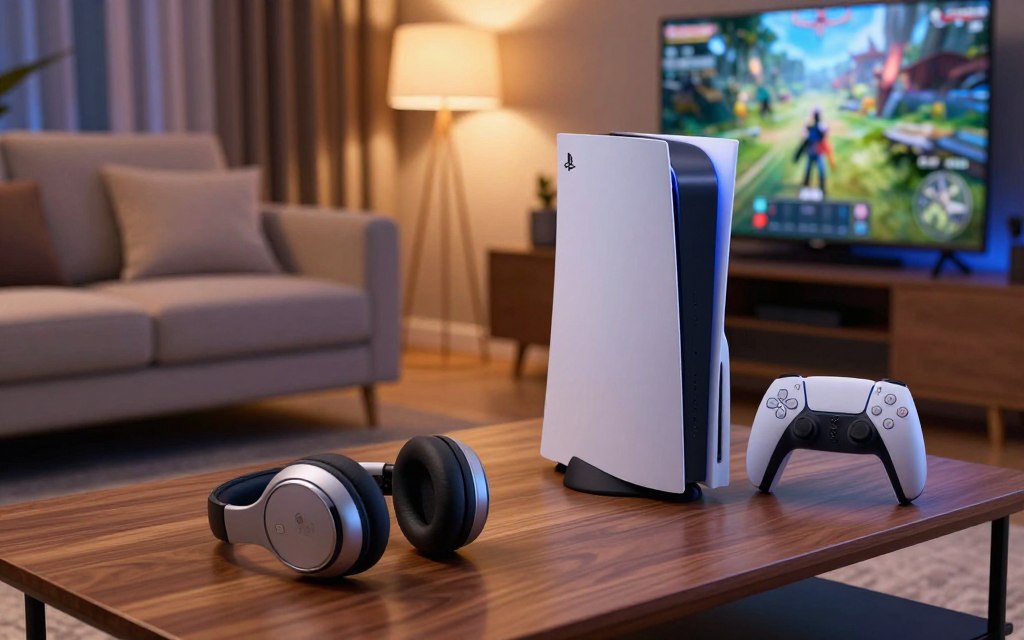
To solve these problems, you need to use specific hardware adapters. These tools help your external gear talk to the system. I made this ps5 headset connection guide to make setting up easy and fast.
By following these simple steps, you’ll keep your audio experience top-notch. Whether you’re in a fast-paced game or exploring a big world, clear sound is key. Let’s get into the steps to make your audio perfect.
Understanding Wireless Headset Compatibility for PS5
To set up the perfect ps5 wireless headphones, you need to know what works. Many think the console’s Bluetooth means they can pair any headphones right away. But, the PS5 doesn’t support Bluetooth audio for other headphones.
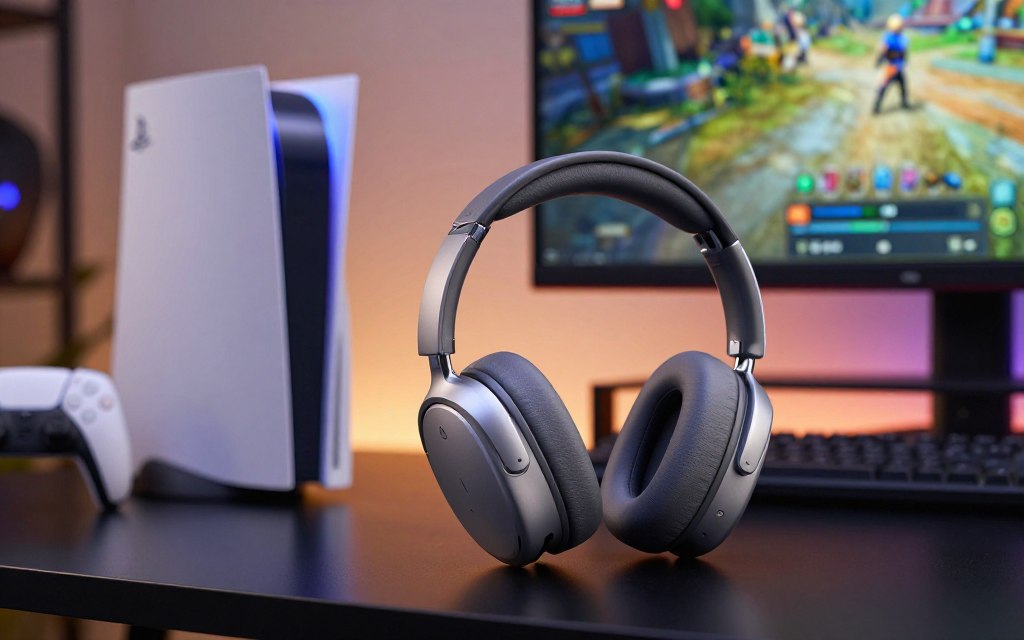
This can be a big problem for new owners. Without a special USB adapter, your wireless headphones won’t show up on the console. You need extra hardware to make it work.
Looking to connect your Bluetooth headphones to the PS5? A USB transmitter is the usual fix. It connects to the console and sends your audio signal to your headset. This way, you get clear sound without any delay.
Before buying new headphones, check if they’re compatible with the PS5. Look at the manufacturer’s details to avoid wasting time and money. Getting the right device makes your gaming better.
How to Connect Wireless Headphones to PS5 Using a USB Dongle
Using a USB dongle gives me the best connection for gaming. It’s better than standard wireless because it has low latency. This is key for fast-paced games.
Preparing Your Wireless Headset and Adapter
Before you start, make sure your headset and dongle are charged. Most gaming headsets need to be put in pairing mode. Check your manual to find out how to do this.
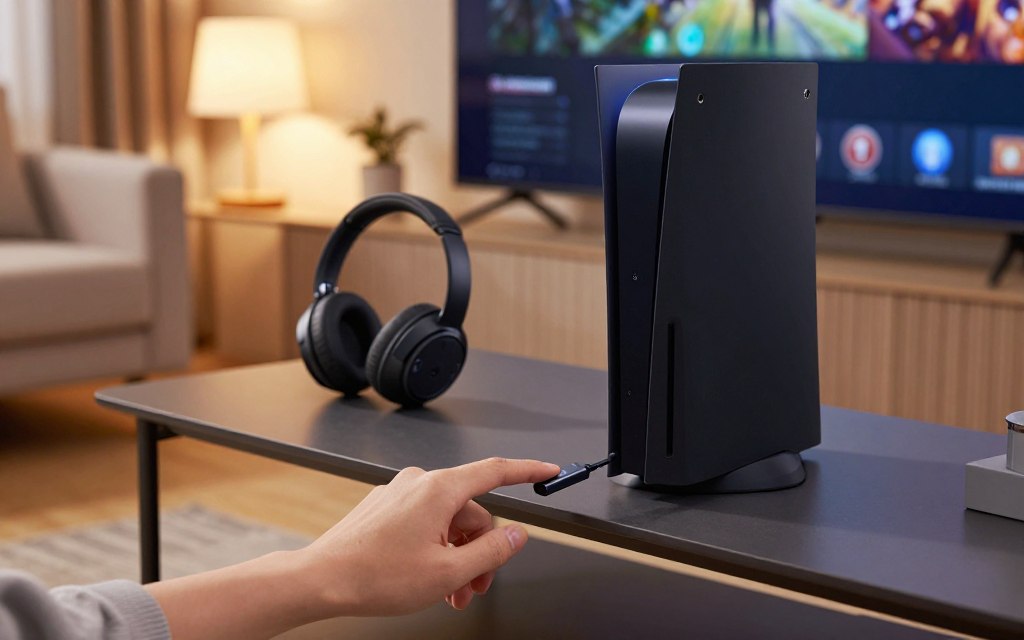
Inserting the USB Transmitter into the Console
Get your hardware ready, then find the USB ports on your PS5. Use the USB-A port on the front for the strongest signal. Plug in the transmitter and your headphones should pair automatically.
Configuring Audio Settings in the PS5 Menu
After connecting, set up your audio in the PS5 menu. Go to Settings, then Sound to choose your output. Make sure your headset is set as the main output for clear audio.
Troubleshooting Common Pairing Issues with PS5 Audio
Minor technical issues can ruin a great gaming session. Even if you pair your wireless headphones correctly, outside factors can still mess with your signal. Knowing how to fix these problems helps keep your audio quality high.
Resolving Connection Drops and Interference
Wireless signals can get weak when many devices use the same frequency. If your audio keeps cutting out, try moving your console away from other electronics. Devices like routers or smart home hubs can cause a lot of signal noise.
Physical barriers also affect signal strength. Make sure your headset and the USB transmitter have a clear line of sight. If the adapter is hidden behind the console, it might block the signal, causing drops.
Adjusting Output Settings for Optimal Sound Quality
When using a third-party adapter, the default settings might not be the best. Go to the sound menu on your console to make sure the output device is recognized. Choosing the right profile can greatly improve your gaming experience.
Managing your PS5 audio setup for wireless headphones means checking the output format in system settings. Try different audio formats to find the clearest sound with your hardware. These steps help keep your audio crisp and stable during gaming.
Conclusion
Getting top-notch sound on your gaming console starts with the right gear. This guide shows how picking the right headset can make your gaming sessions feel like a pro experience.
At first, finding a wireless headset that works with your PS5 might seem hard. But, using a dedicated USB transmitter makes it easy. It connects your headset to the console smoothly, without any tricky software.
I aim to help you dive into every game with amazing sound. Choosing the right hardware means clear chat and sharp spatial awareness in games. Now, you know how to fix and improve your audio settings with ease.
Let’s talk about your favorite gaming headsets in the comments. I’m curious to know which ones work best for you. Your input helps others find the perfect headset for their gaming setup.
1 thought on “How to Connect Wireless Headphones to PS5 in 3 Simple Steps”